VPN apps let users choose which programs bypass encryption
ProtonVPN and NordVPN have added split tunneling options to their Windows clients, allowing specific applications to connect directly to the internet while others remain protected.
By Harper Foster ·
Virtual private network software now offers a direct way to keep specific apps outside of encrypted connections.
Known as split tunneling, this feature allows users to select which programs route traffic through a VPN and which connect to the internet directly. This option is available in many commercial VPN services, often restricted to paid subscription tiers.
Using a VPN creates an encrypted tunnel for data moving to and from the web. This process hides browsing activity from internet service providers and other devices on the same network. However, the encryption can reduce connection speeds and mask a user's actual geographic location.
Split tunneling addresses these trade-offs by allowing certain traffic to bypass the encrypted tunnel entirely. A user might exclude a video game from the VPN to maximize speed for online matches. Alternatively, a person could exclude a ticketing app from the VPN so that local movie showtimes reflect their true physical location rather than the server location of the VPN.
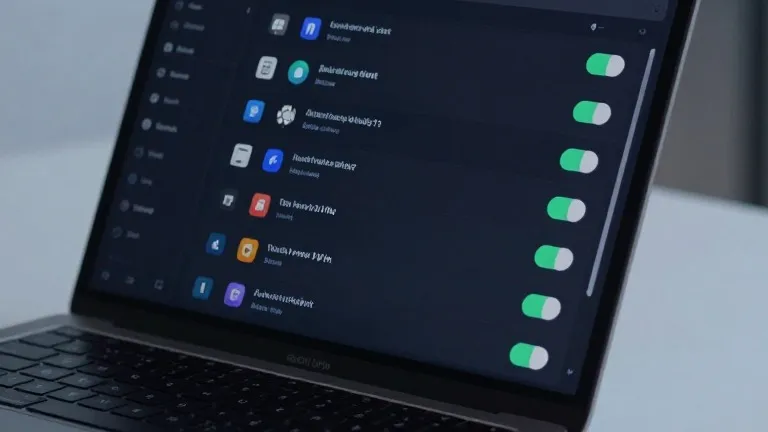
ProtonVPN for Windows displays a split tunneling link on the right side of the main console. This option sits alongside controls for the kill switch and port forwarding. Once activated, users can designate specific apps to include in the VPN or exclude from it. NordVPN on Windows uses a similar approach. Users access the feature by clicking the cog icon in the bottom left corner of the interface and flipping a toggle switch to select protected applications.
Mobile devices offer similar controls, though with different limitations. Android phones and desktop platforms generally allow users to exclude specific applications. iPhones typically restrict users to excluding specific websites and IP addresses instead. The setup process is usually a one-time task. Users can adjust which apps are covered later, but the feature does not require ongoing management once configured.
Beyond app-based controls, some services offer URL-based split tunneling. This method creates rules based on domain names, allowing a user to keep a VPN active for a search engine while turning it off for a local news site. Less common in consumer software are route-based and policy-based tunneling methods. These rely on specific IP addresses or broader rule sets and are primarily used by people managing networks for multiple users.
Source: Wired